
(E1,iv) About Adaptive Learning System (ALS)
Find out how the Adaptive Learning System (ALS) tailors learning resources and practice questions to each student's needs and pace.
(E1,iv) About Adaptive Learning System (ALS)
Adaptive Learning System (ALS) provides a customised learning pathway for each student, recommending learning resources and practice questions and offering immediate feedback based on his/her readiness. Students can access ALS through the Student Learning Space (SLS) for self-directed learning.
In MOE Library, teachers and students can also find content tagged to ALS content maps if the content is set to be visible to them.
With ALS, students learn independently, at their own pace, according to their strengths and needs.
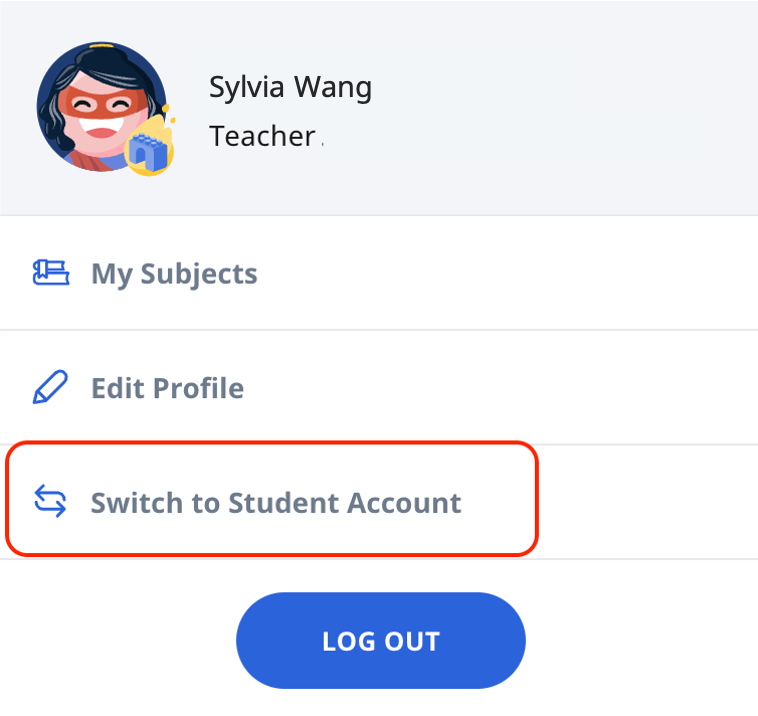
Teachers who wish to experience ALS can open the right menu and click Switch to Student Account and click Resources, followed by Adaptive Learning.
Note: Access to ALS for students is dependent on their current level of study. Students can access ALS content below their current level of learning and one level above their current level of learning. (If a student is in Primary 5, they will be able to access content tagged to Primary 6, together with content from Primary 1 to 4).
Access to ALS for teachers is dependent on the highest level that the teacher is teaching, e.g. if a teacher is teaching up to Primary 5, then the access to ALS would be up to Primary 6 (one level above highest teaching level) and all levels below (i.e. Primary 1 to4). If a teacher wishes to access ALS content beyond this, they can add themselves to a Class Group, tagged to the appropriate levels, as a student following the steps in Add Teachers as Students to a Class GroupSupporting Resources:
Click here (opens in new tab) for a Quick Guide to Adaptive Learning System.
View this video (opens in new tab) to understand how ALS works to benefit teachers and students.