
(A1) Activate Teacher Account
Find out how teacher accounts are set up and activated in SLS via MIMS, and what steps non-permanent teachers must take to apply for access.
(A1) Activate Teacher Accounts
Setting up Teacher Accounts in MIMS
Teacher Accounts for permanent teachers employed by MOE in government and government-aided schools are automatically created using information from MIMS. There is no action required from schools since these accounts are auto-generated.
The following groups of teachers can make an application for SLS access through the MIMS portal:
Flexi-adjunct teachers
Relief teachers
Direct-hire teachers in independent or specialised schools
The SLS account will be ready three days after SLS access is granted via MIMS.
Note:
Please ensure that a MIMS account has been created for the teacher and is currently active.
For teachers who are direct hires of Special Education (SPED) schools, submit the account application through email instead. Please contact the SLS Helpdesk if you do not have the required forms.
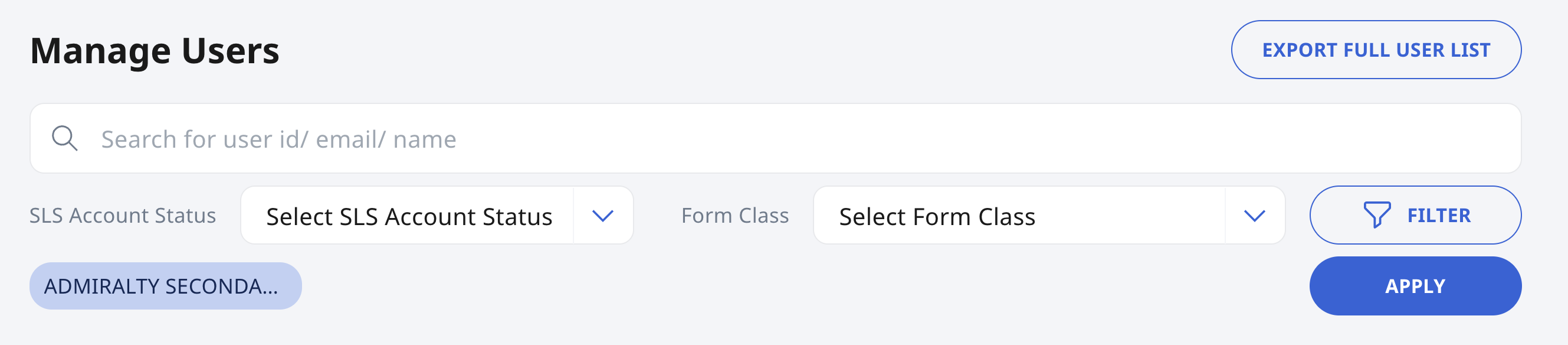
SLS School Admins can see all teacher accounts on the Manage Users page.
If a teacher's account cannot be found through the Manage Users page, please contact the SLS Helpdesk.
Activation of Teacher Accounts
Once a teacher's account is created, an activation email will automatically be sent to his/her email address (usually the iCON email, if available).
Note: SLS School Admins are not involved in the activation of teacher accounts.
Teachers will be able to activate their SLS accounts by clicking on the link found in the activation email.
Note: Teachers will only be able to log in with MIMS after they have activated their SLS account through the link provided in the email.
SLS School Admins can identify teacher accounts that have not been activated through the Manage Users page. On the Manage Users page, click Filter and applying the following filters from the respective dropdown list:
Role - Teacher
SLS Account Status - Active, Inactive, Locked
Temporary SLS Teacher Accounts
SLS School Admins can also manually create and manage up to 10 temporary SLS teacher accounts for short-term access needs. These accounts could be for short-term relief teachers, flexi-adjunct teachers who do not have a MIMS account. However, it is recommended to create a Teacher Account via MIMS where possible, so that the teacher can continue to create and access resources in the long term.
Under Admin, click Manage Users.
Click Add Temporary User.
 (1).png)
Fill in the following details:
 (1).png)
Name: Enter the user’s name
Email: Enter the user’s email address
Account Expiry Date: Select an expiry date
School: Select the relevant school
Click Create to create the temporary account.
Note:
Each temporary account can remain valid for up to 30 days from the date of creation or until 31 December of the current academic year, whichever comes first.