Singapore Student Learning Space (SLS) Info-Site

Administer

Manage teacher and student accounts, track edtech use, and oversee learning outcomes across your school using SLS.

Last updated 20 May 2026

Administer

Dark box labeled "How to activate teacher accounts?" with a red arrow pointing to a light box labeled "Activate Teacher Account."

A. How to activate teacher accounts?

Flowchart showing 4 steps to activate student accounts, from preparing accounts to monitoring activation.

B. How to activate student accounts?

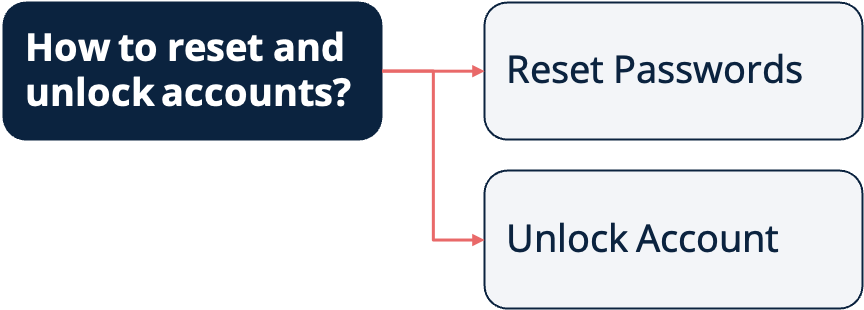
Flowchart showing "How to reset and unlock accounts?" linking to "Reset Passwords" and "Unlock Account."

C. How to reset and unlock accounts?

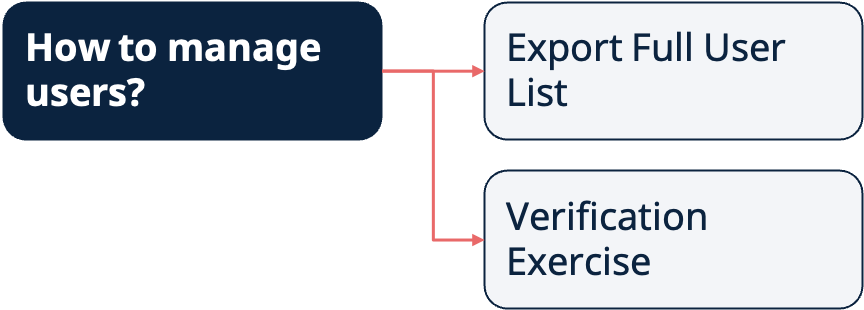
Flowchart showing "How to manage users?" linking to two options: "Export Full User List" and "Verification Exercise."

D. How to manage users?

E. How to manage subjects?

F. How to manage Class Groups?

G. How to have an overview of the Assignments in my school?