
Create New Modules
Learn how to create new modules on SLS using the homepage, My Drive, or a Class Group.
Last updated on 24 July 2026
Create New Modules
Create New Module from homepage
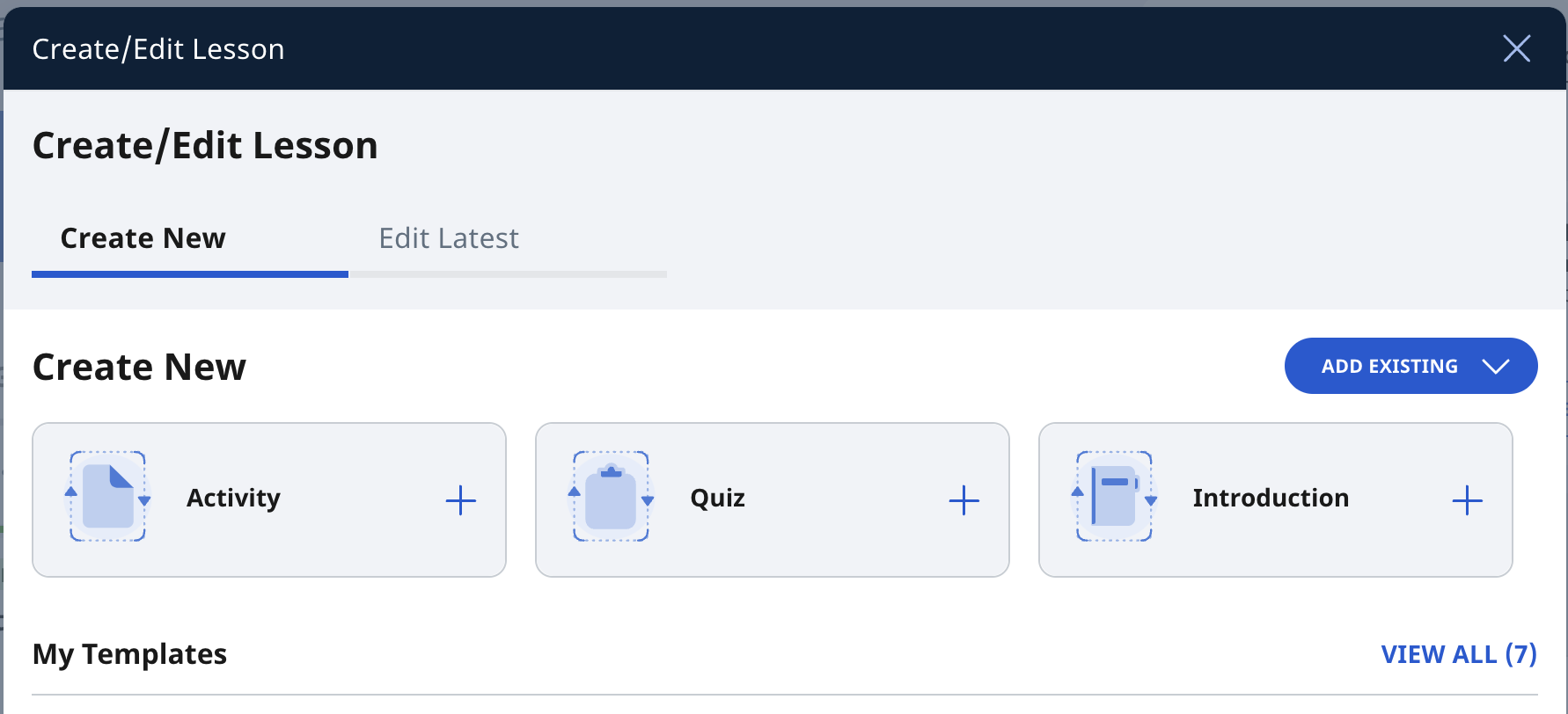
On the homepage, select Create New/Edit Module. Then under the Create New tab, select
Activity
Quiz
Introduction
Or Add Existing
From Library
From Starred Resources
Create New Module from My Drive
Open the left menu on the homepage. Expand the Resources dropdown list and select My Drive. By default, you will be in the My Modules.
Click Add/Edit New.
Select New Module from the menu.
Create New Module from Class Group
Click on a Class Group on the homepage or from the left menu.
Click here to learn how to add New Module from Class Group.
Video Tutorial
Please note the following update(s):
The “Create New Lesson” button mentioned at 00:05 has been relabelled to “Create/Edit New Module”.