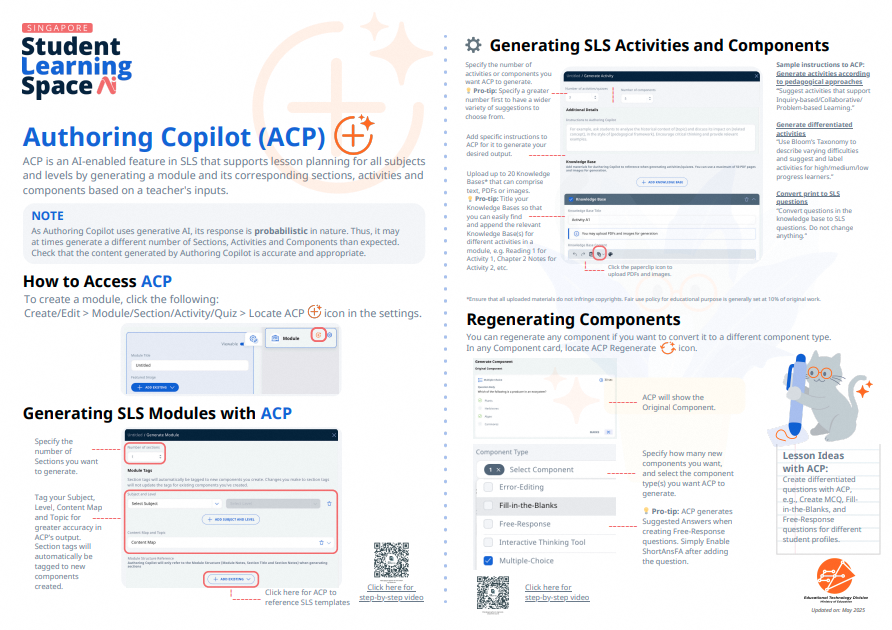
Use Authoring Copilot to create New Activities & Components
Use Authoring Copilot to create activities and components in SLS.
Use Authoring Copilot to create New Activities & Components
Important:
As Authoring Copilot uses generative AI, its response is probabilistic in nature. Thus, it may at times generate a different number of Sections, Activities and Components than expected.
Check that the content generated by Authoring Copilot is accurate and appropriate.
Teachers are recommended to first use Authoring Copilot to generate a module plan, before creating or refining the Activities and Components. For more information, please refer to the Plan and Generate Modules with Authoring Copilot.
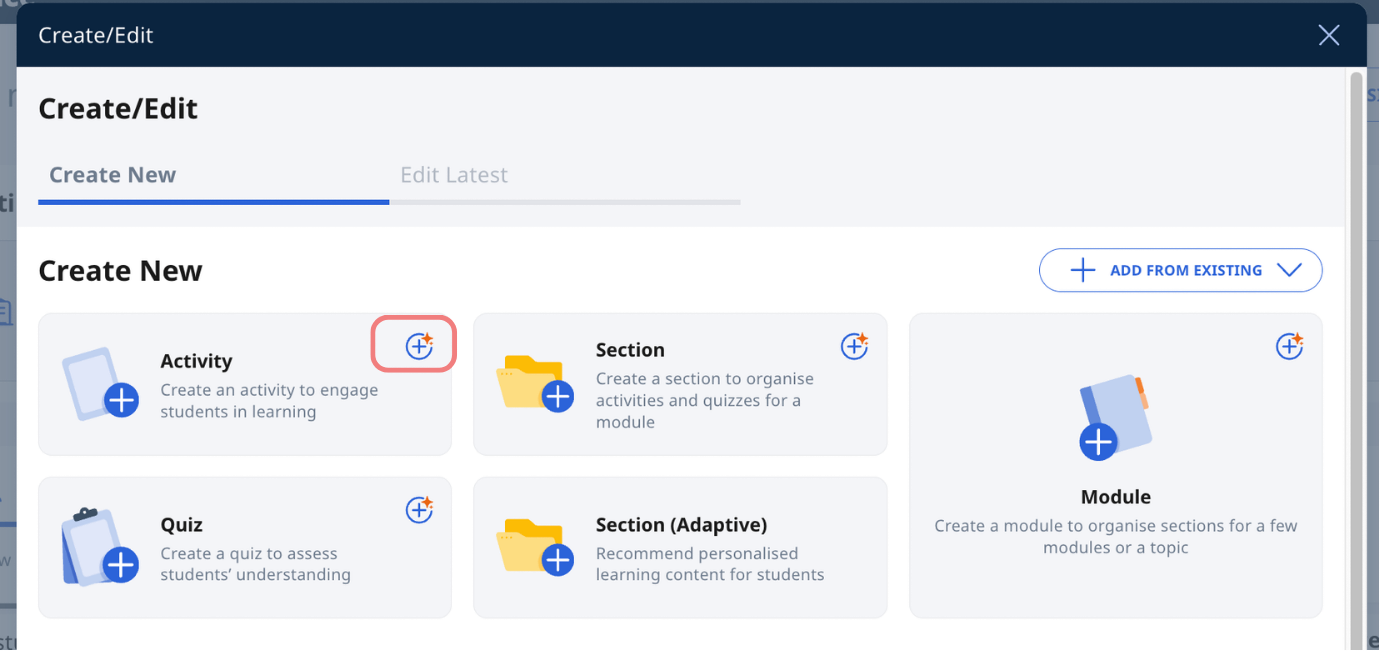
To create components directly with Authoring Copilot, in an Activity, in the Create/Edit subpage, click the Authoring Copilot icon on the Activity card.
View the video guide below for step-by-step instructions on using ACP to create new Activities and Components in SLS.
How to Generate Activities and Components with Authoring Copilot in SLS (opens in new tab)
Authoring Copilot can also generate other various resources in a module such as:
game elements (Refer to Gamify a Module with Authoring Copilot)
images (Refer to Generate Images with Authoring Copilot)
interactives (Refer to Generate Interactives with Authoring Copilot)
rubrics (Refer to Add Rubrics to Audio- and Free-Response Questions (Enhanced))
Click here (opens in new tab) for a Quick Guide to Authoring Copilot.