Use Authoring Copilot to create New Quizzes
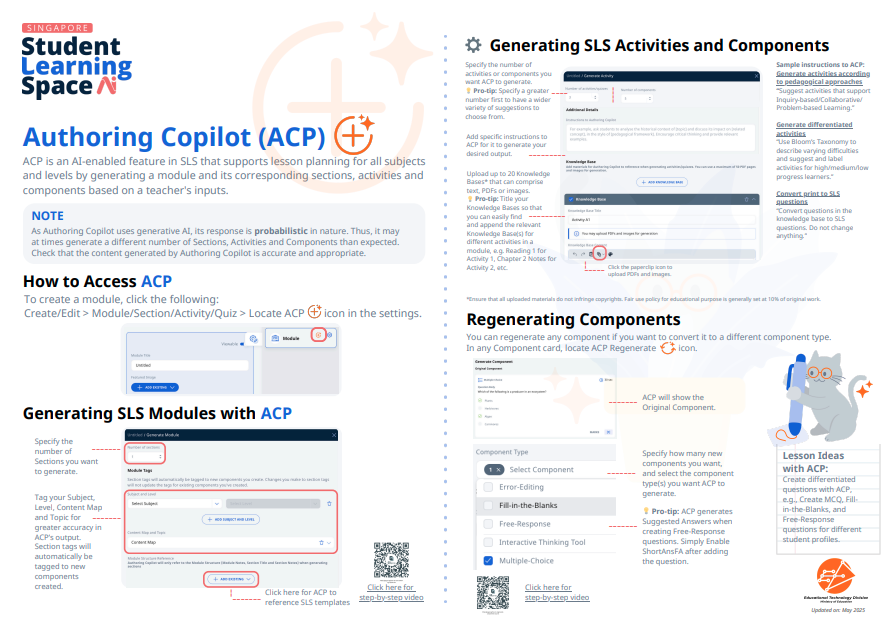
Use Authoring Copilot to quickly build quizzes with AI-generated questions, descriptions, and suggested answers. Review and refine the content to suit your learners' needs.
Use Authoring Copilot to create New Quizzes
Important:
As Authoring Copilot uses generative AI, its response is probabilistic in nature. Thus, it may at times generate a different number of Sections, Activities, and Components than expected.
Check that the content generated by Authoring Copilot is accurate and appropriate.
To generate questions for a Quiz, follow the same steps outlined in How to Generate Activities and Components with Authoring Copilot, (opens in new tab) and customise your instructions in the Generate Quiz subpage.
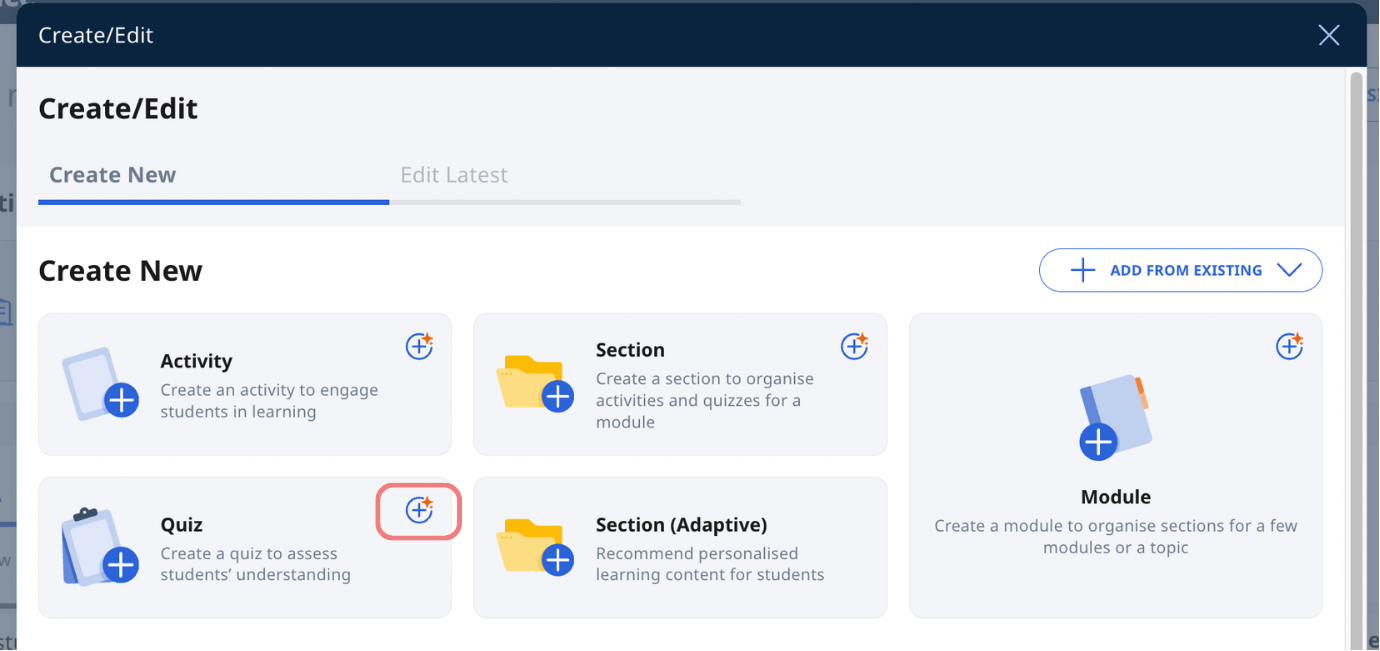
To access Authoring Copilot to create a quiz, in the Create/Edit subpage, click the Authoring Copilot icon on the Quiz card, then refer to the guide in the link above for the remaining steps.
Click here (opens in new tab) for a Quick Guide to Authoring Copilot.