
(A1,vii) View Past Assignments
Find out how to view past assignments from June 2025, and what actions remain available during the 30-day grace period.
Last updated on 13 October 2026
(A1,vi) View Past Assignments
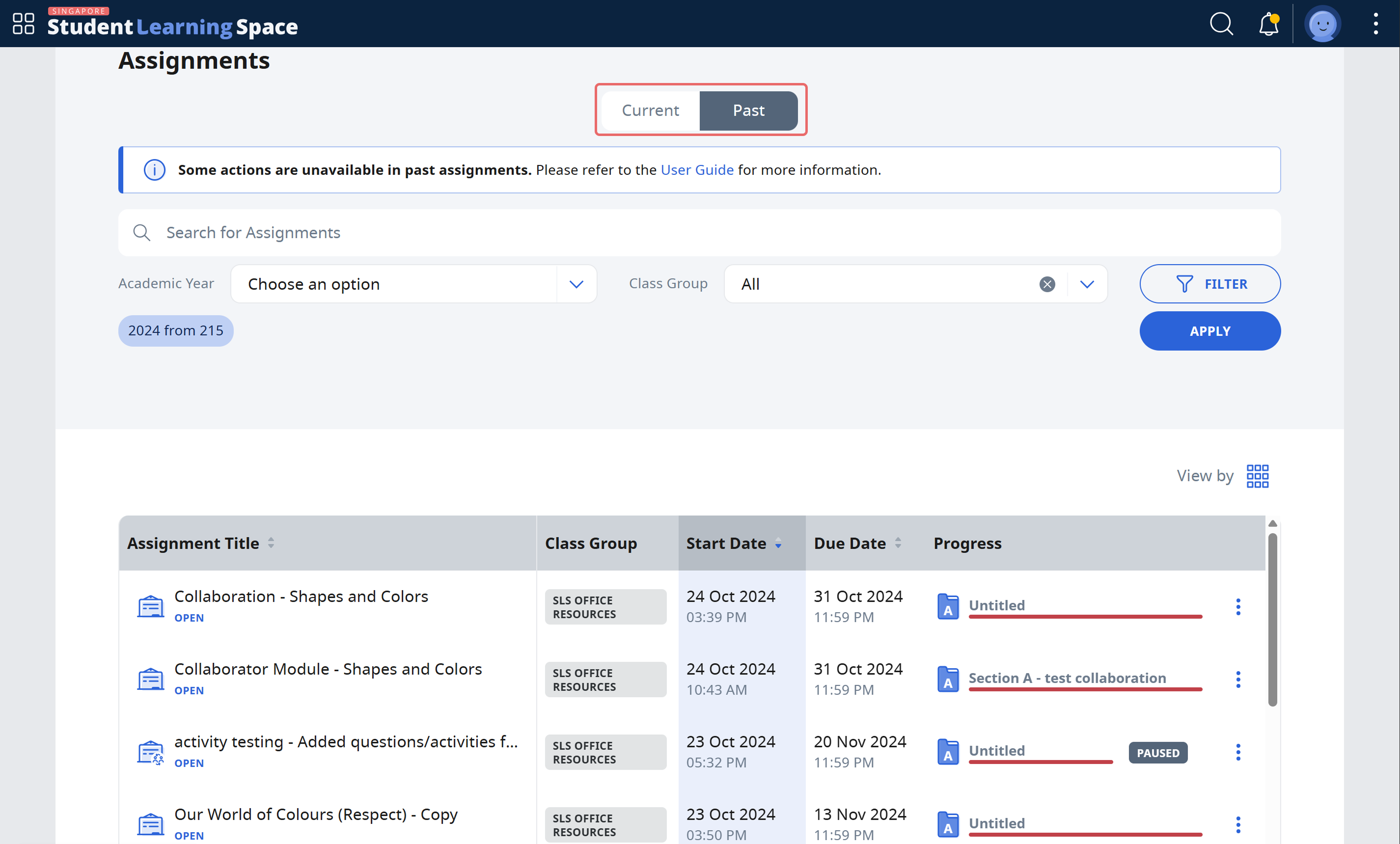
Important: From June 2025 Update, teachers and students will be able to view past assignments in a separate tab.
There are multiple ways to access Past Assignments
Open the left menu and click Assignments, followed by the Past tab.
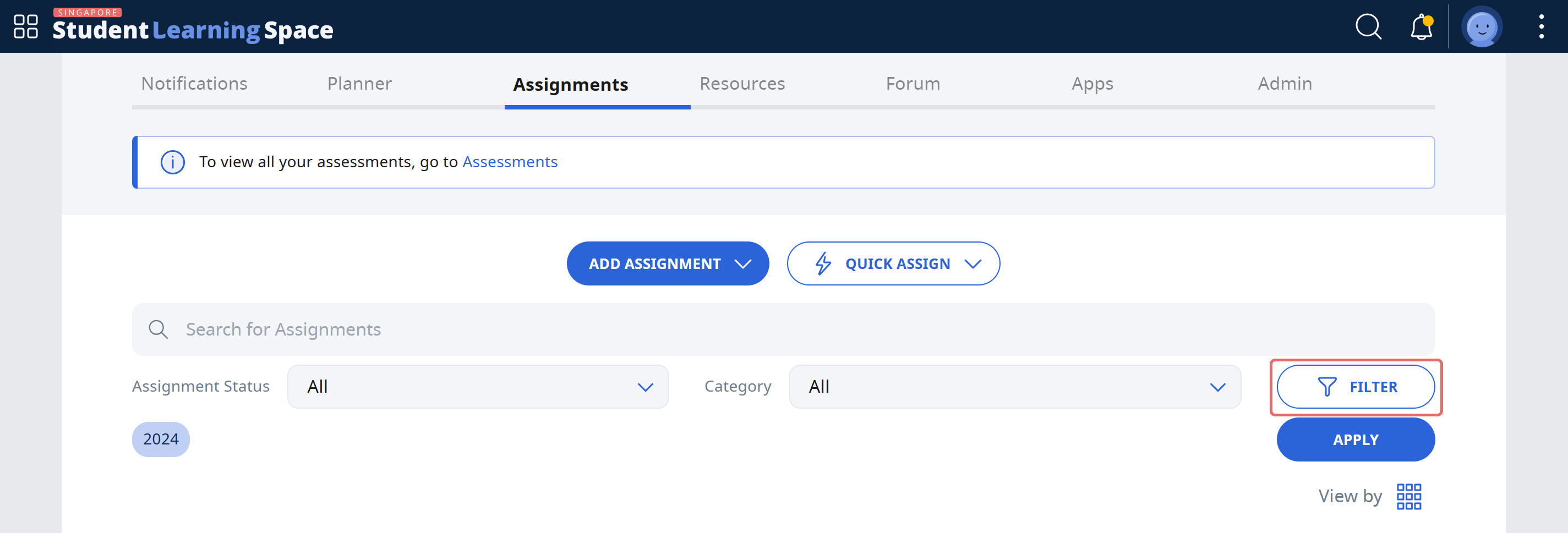
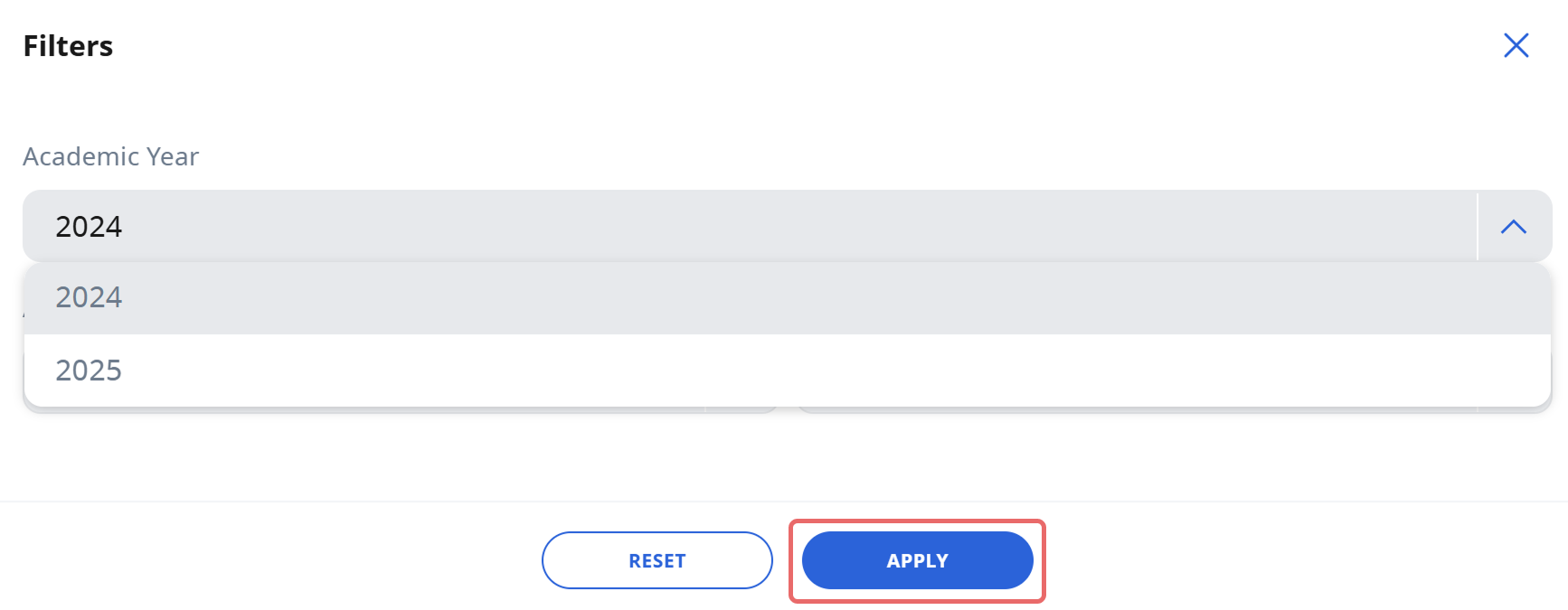
On the homepage, select a Class Group, then select the Assignments tab and click filter to select any earlier year.
Note: When accessing Past Assignments, you will still be able to do the following within a 30-day grace period:
Mark, provide feedback and return assignments to students
View student submissions, results, marks and feedback