(B1,v) Move Assignments
Learn how to move an assignment from one class group to another, keeping your resources organised across school years.
(B1,v) Move Assignments
Move an Assignment
You can Move an Assignment from one Class Group to another. This is useful for teachers who have assigned year-end Assignments for Class Groups they will be teaching the following year. Teachers and Students will no longer need to access past year assignments from the Past tab in the Class Groups page.
There are 3 ways to move an Assignment:
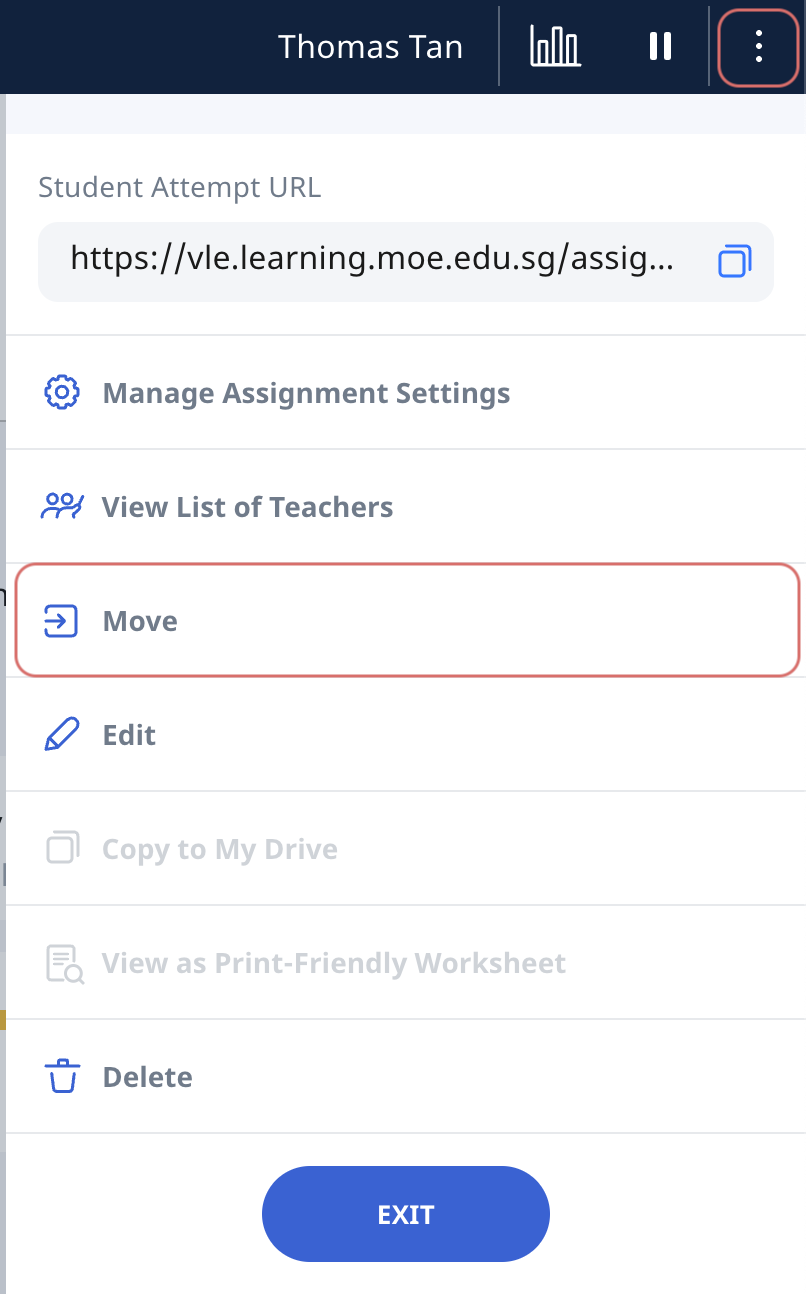
From homepage under the Assignments tab - Click the Assignment card. Open the right menu and select Move. The Move Assignment subpage will appear.
From Assignments in the left menu - Click the Overflow (3-dot icon) on the Assignment card and click Move Assignment. The Move Assignment subpage will appear.
From within an Assignment - Open the right menu and select Move. The Move Assignment subpage will appear.
Move Assignment Subpage
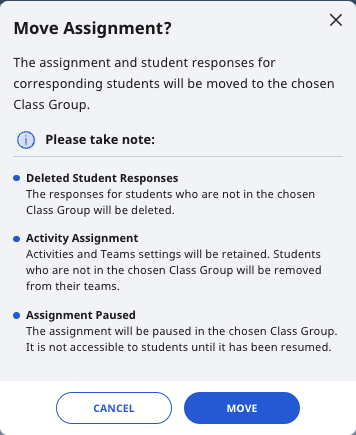
On this subpage, click on a Class Group to move the Assignment to, then click Move to confirm.
The Assignment will be moved from the previously assigned Class Group to the newly assigned Class Group.