
(E1) Access My Drive
Find out how to open My Drive and navigate its key sections, including My Modules, Shared with Me, and Trash.
Last updated on 13 October 2026
(E1) Access My Drive
My Drive can be accessed from the homepage by clicking on the Folder icon on the left menu.
About My Drive
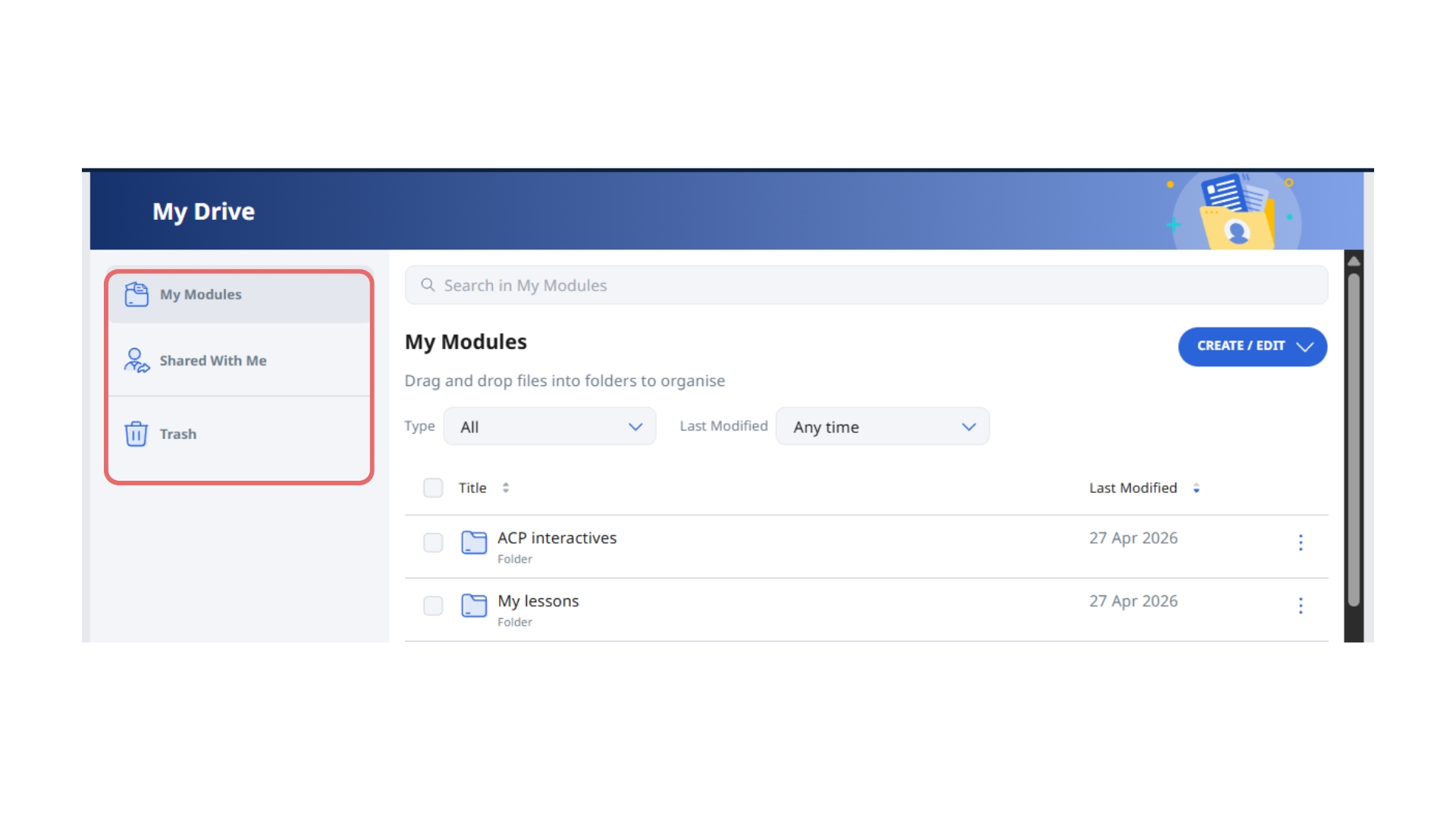
Once you are in My Drive, you can access the following sections easily:
My Modules
Shared with Me
Trash
Note:
You can drag and drop modules or folders to rearrange your list.
Click the Overflow menu beside the item to rename your item.