
(D1,ii) Archive Class Groups
Archive a Class Group in SLS when it is no longer needed. Past records and assignments remain accessible, though new modules, posts, and polls cannot be added.
Last updated on 13 October 2026
(D1,ii) Archive Class Groups
Class Groups (Group) created in SLS can be archived when they are no longer needed.
To archive a Class Group, enter the Class Group by clicking the Class Group card.
Under the Admin tab, click Archive Group.
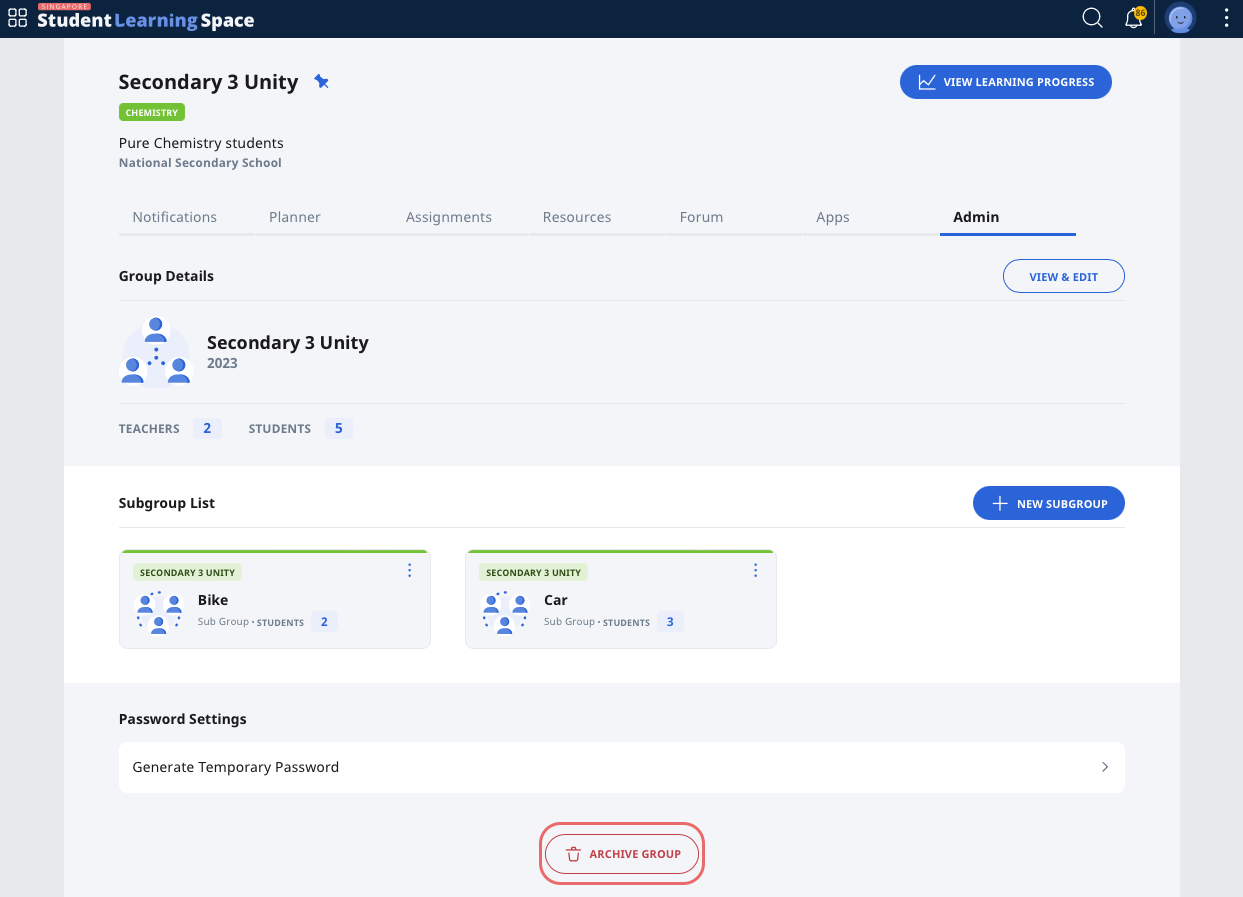
Once a Class Group is archived, it will appear under the Past tab which will still be accessible to both teachers and students. Assignments and other records associated with this Class Group will also be accessible.
For an archived Class Group,
teachers will no longer be able to assign Modules to it, and
all users will not be able to create new Forum Posts and Polls.